โ€น All docs / Productivity / Tickets
๐ŸŽซ
Productivity

Tickets

A Jira-like helpdesk for your workspace โ€” track requests across projects, and let anyone file one through a public link, no account required.

Overview

Tickets organises support and request tracking into projects. Each project has its own key and numbering, configurable statuses, and an intake mode โ€” either your team only, or a public link anyone can use without signing in. Open a project to see its queue, drill into a ticket to set status and priority, and work it through a threaded comment conversation.
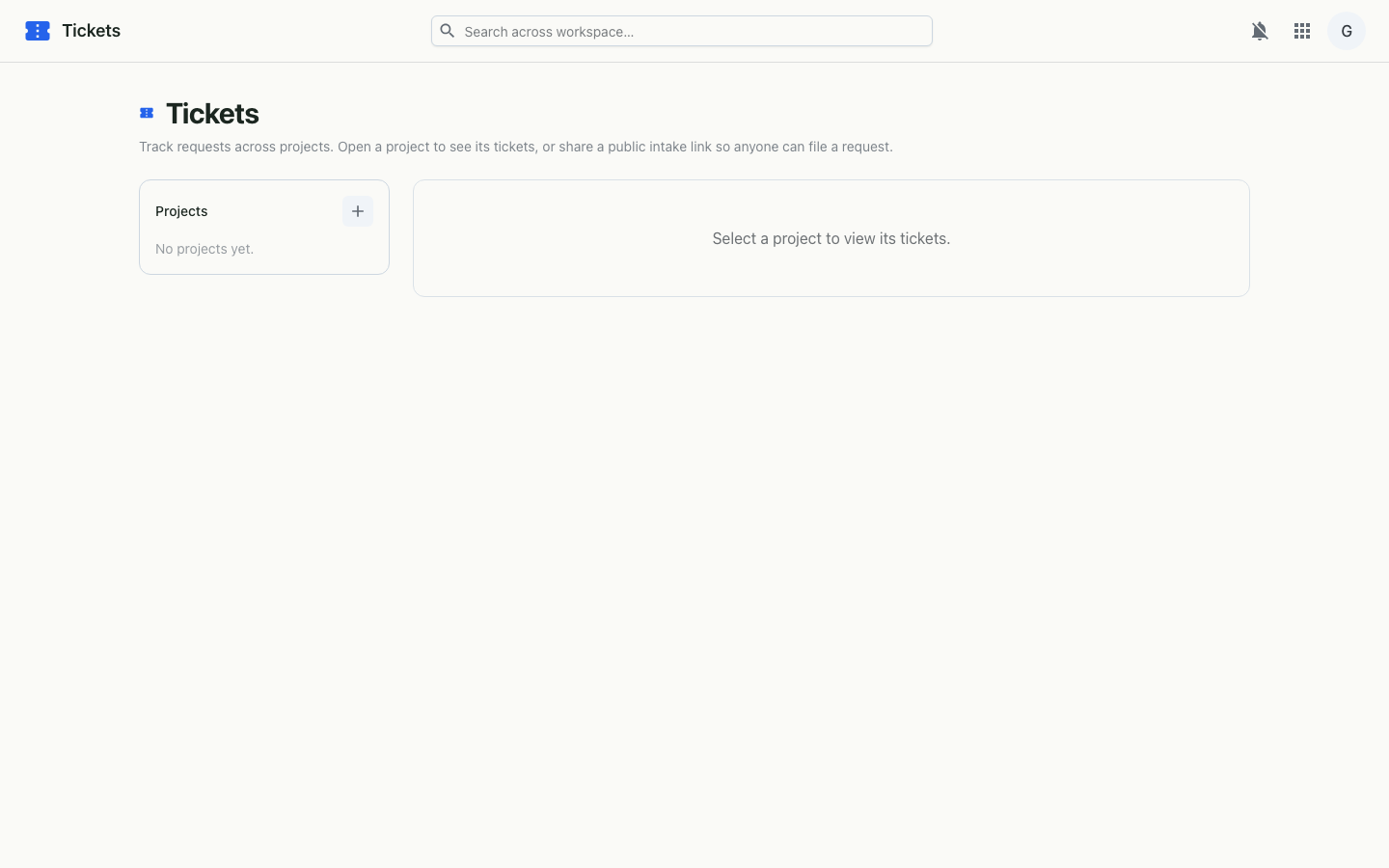
Tickets on desktop
Projects sidebar, the ticket queue, and a ticket's comment thread.

Features

How it works

Authenticated members manage projects and tickets over the workspace API; status and priority changes and comments are saved as you go. Public projects additionally expose unauthenticated intake endpoints โ€” the submit portal fetches the project's public branding by token, posts the request, and returns its KEY-N reference. A disabled or unknown link renders a graceful not-found.

Structure
Projects โ†’ tickets (KEY-N) โ†’ comments
Intake
Team only, or a public link (no account)
Workflow
Configurable statuses, priority, assignee, internal notes