‹ All docs / Communication / Telephony
☎️
Communication

Telephony

A VoIP softphone plus Google-Voice-style texting, with a 3CX-style PBX admin console for admins — call recordings and a live activity log included.

Overview

Telephony turns the browser into a phone. Place and receive calls from a dialpad, text contacts from a Google-Voice-style thread view, and — if you're an admin — run the whole phone system from a PBX administration console. Calls connect peer-to-peer over WebRTC, the directory is shared with Contacts, and console actions are captured in a searchable activity log.
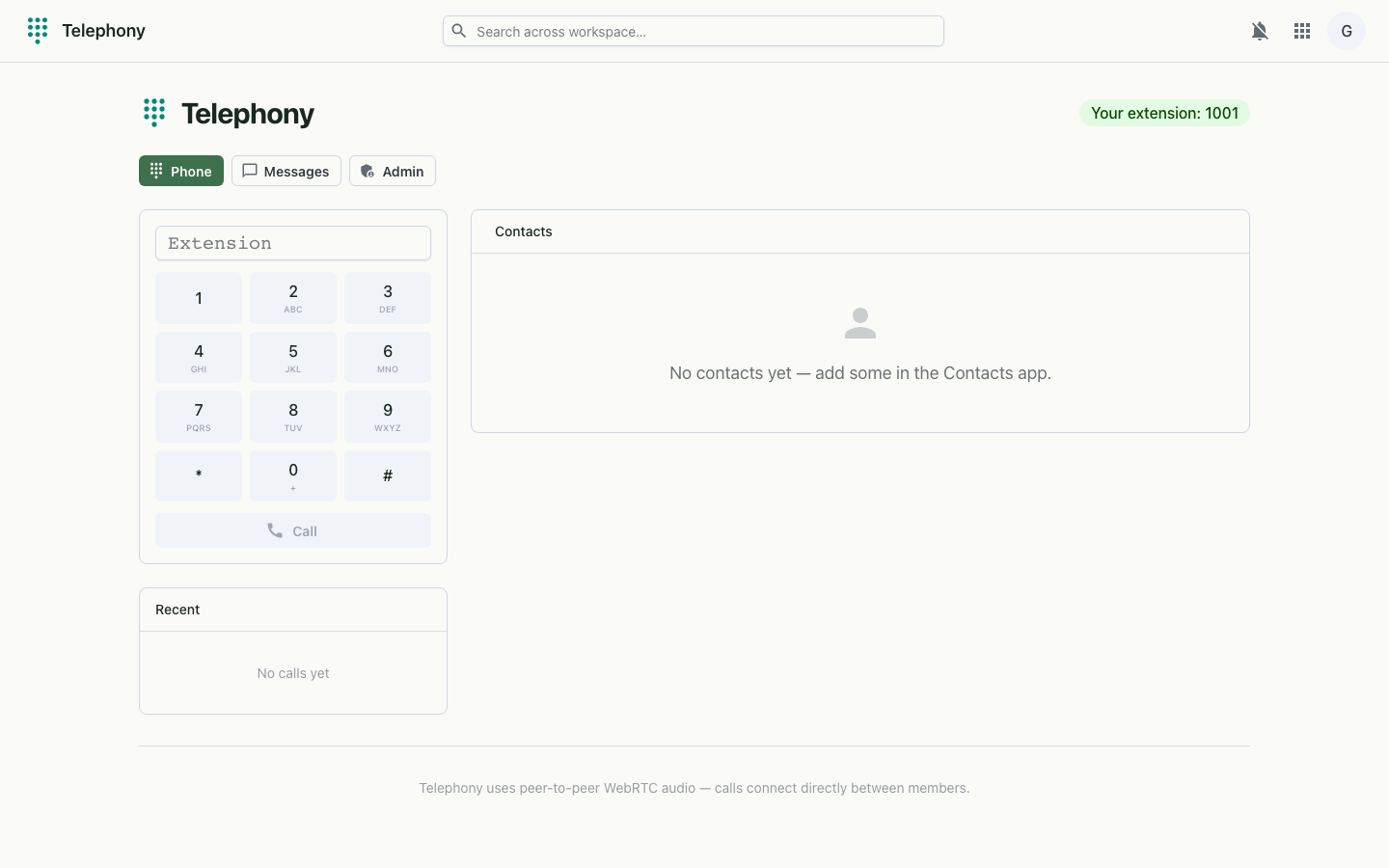
Telephony on desktop
The softphone — dialpad, recent calls and the contact directory.

Softphone

Texting

PBX admin console Admins only

A full, 3CX-style administration console — visible only to org admins — for configuring and monitoring the phone system end to end.

How it works

Calls connect peer-to-peer over WebRTC, coordinated by a websocket signaling channel that carries presence, call invites, accept/reject/hangup and the WebRTC offer/answer and ICE exchange. The softphone needs microphone access (served over HTTPS or localhost). The admin console is gated to org admins, and its actions are recorded in the activity log.

Media
WebRTC peer-to-peer audio (STUN for NAT traversal)
Signaling
Websocket (presence, invites, offer/answer, ICE, hangup)
Backend
Asterisk-based PBX behind the admin console
Directory
Shared with Contacts (numbers become dialable extensions)
Auth
Workspace single sign-on (OIDC); admin console gated to org admins