โ€น All docs / Productivity / Slides
๐Ÿ–ผ๏ธ
Productivity

Slides

Build and present slide decks โ€” design slides with text, shapes, images and animations, then present full-screen with speaker notes.

Overview

Slides is a presentation editor and deck library in one. Design each slide on a free-form canvas โ€” drag and resize text boxes, shapes and images โ€” add transitions and per-element animations, write speaker notes, then run the deck in a full presenter view. Decks are collaborative, so a team can build the same presentation together in real time.
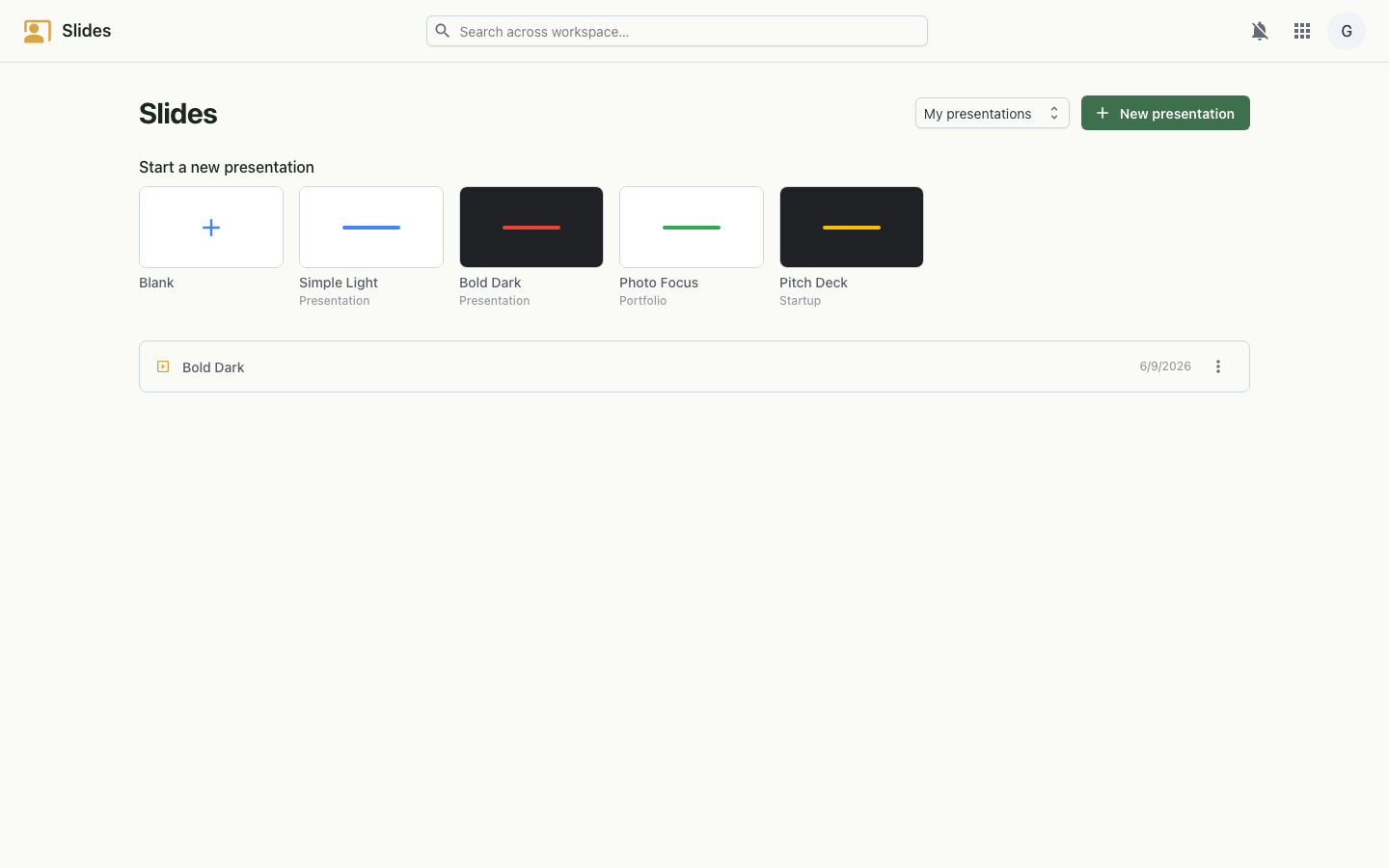
Slides editor on desktop
The deck editor โ€” canvas, slide panel and toolbar.
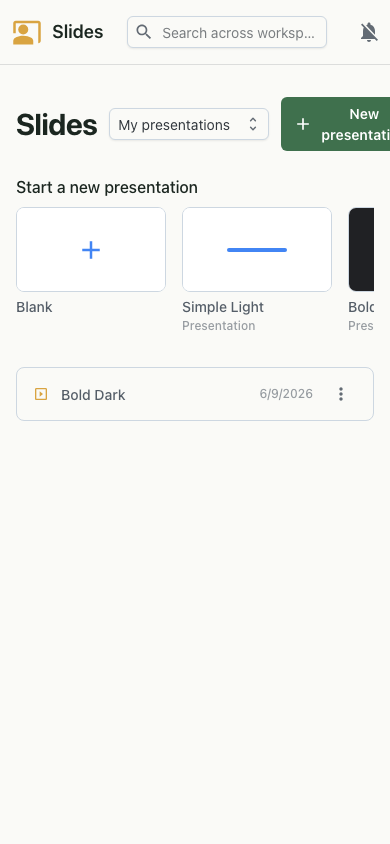
Slides on mobile
On mobile.

Features

How it works

Each deck is a list of slides, and each slide is a set of positioned elements โ€” text, shapes and images โ€” with its own background, notes, transition and animation order. The editor renders that model on a scalable canvas and replays it in the presenter view. Edits broadcast to other collaborators over a live websocket, and sharing is governed by the same workspace sign-on, including people in other organisations.

Model
Decks of slides; slides of positioned text/shape/image elements
Sync
Live websocket collaboration with per-slide presence
Auth
Workspace single sign-on (OIDC)